On Prime, the UI says SUSE Virtualization and uses the SUSE colours
On a Prime cluster the logo already read "SUSE Virtualization", but every page still said "Harvester", and the standalone UI used its own lighter green. Now the product name follows Prime in 56 places, and standalone Prime uses the same SUSE theme as Rancher Prime.
- On Prime, page titles, help texts, settings and add-on descriptions say "SUSE Virtualization" instead of "Harvester" (56 texts).
- This works in the standalone Prime UI and inside Rancher 2.16 Prime.
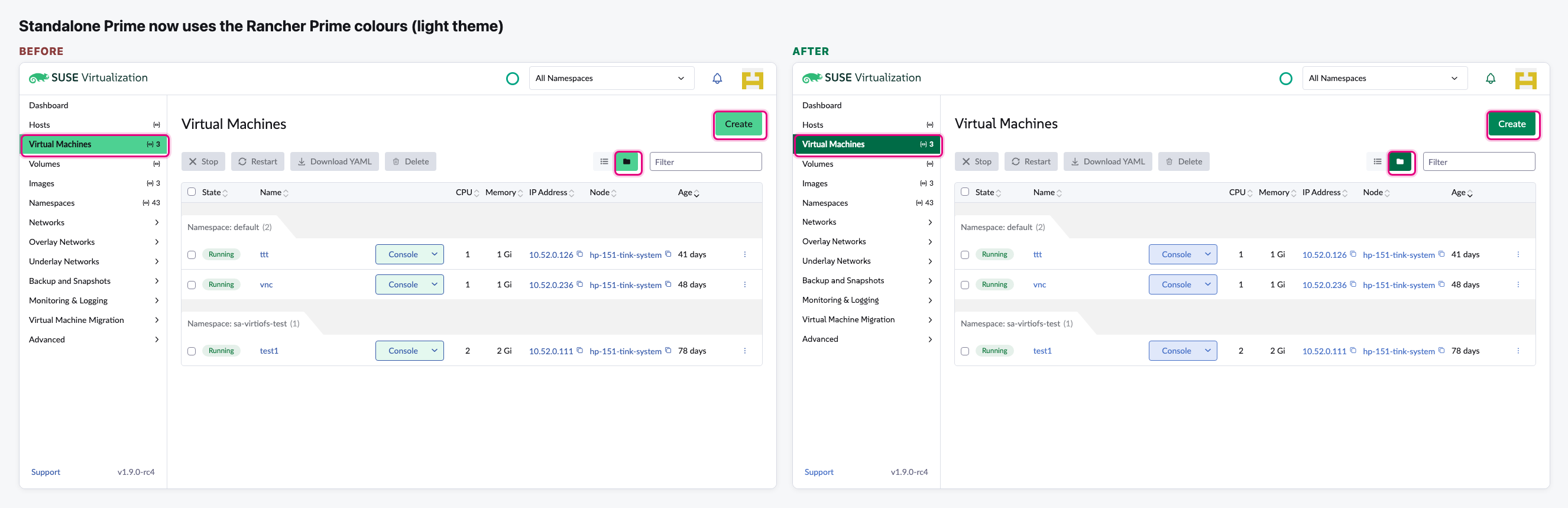
- Standalone Prime now uses the Rancher Prime look: the darker SUSE green with white button text, the same link blue, focus colours and fonts. Before, only the main green was swapped.
- Nothing changes without Prime, or inside Rancher older than 2.16: those still say "Harvester".
The flow
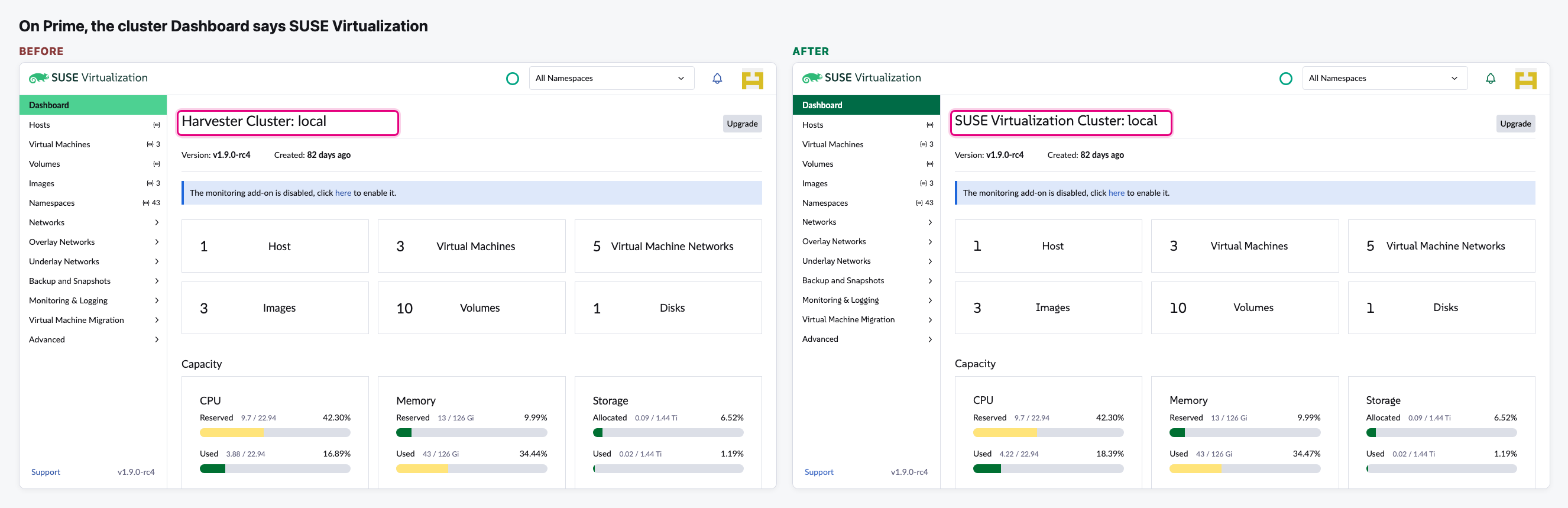
The cluster Dashboard
On a Prime cluster, the page title now matches the logo above it.
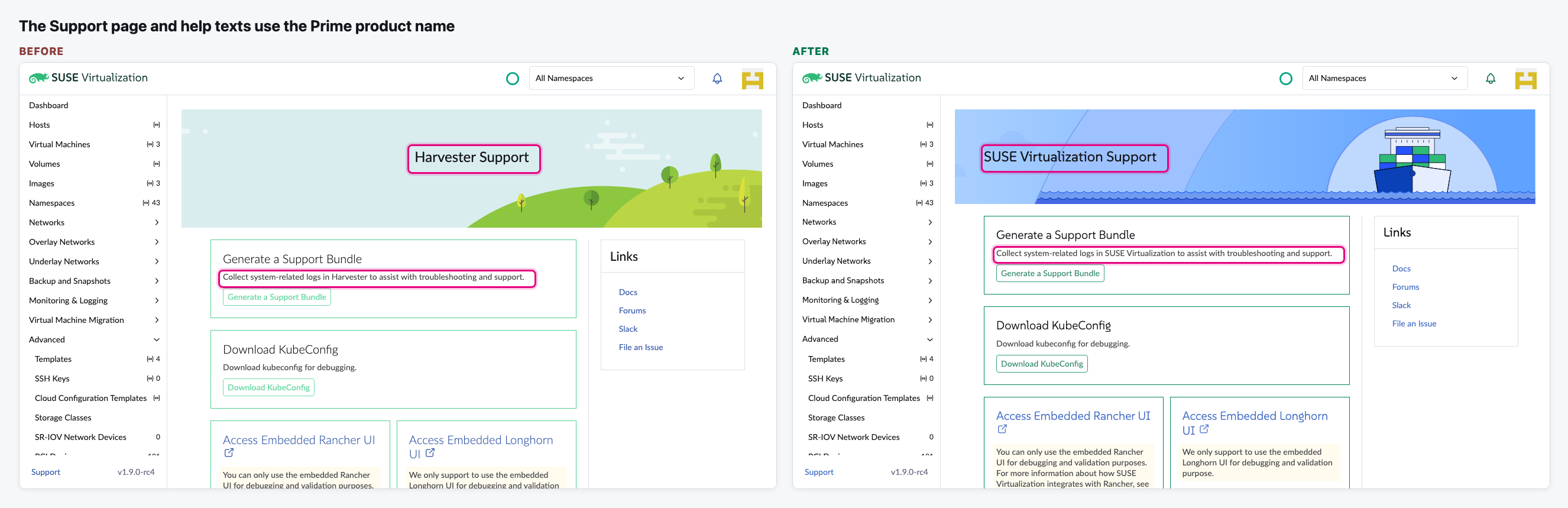
The Support page and help texts
The Support title and the support bundle text use the Prime name. Settings and add-on descriptions do too.
The SUSE colours, light theme
Standalone Prime now uses the same theme as Rancher Prime.
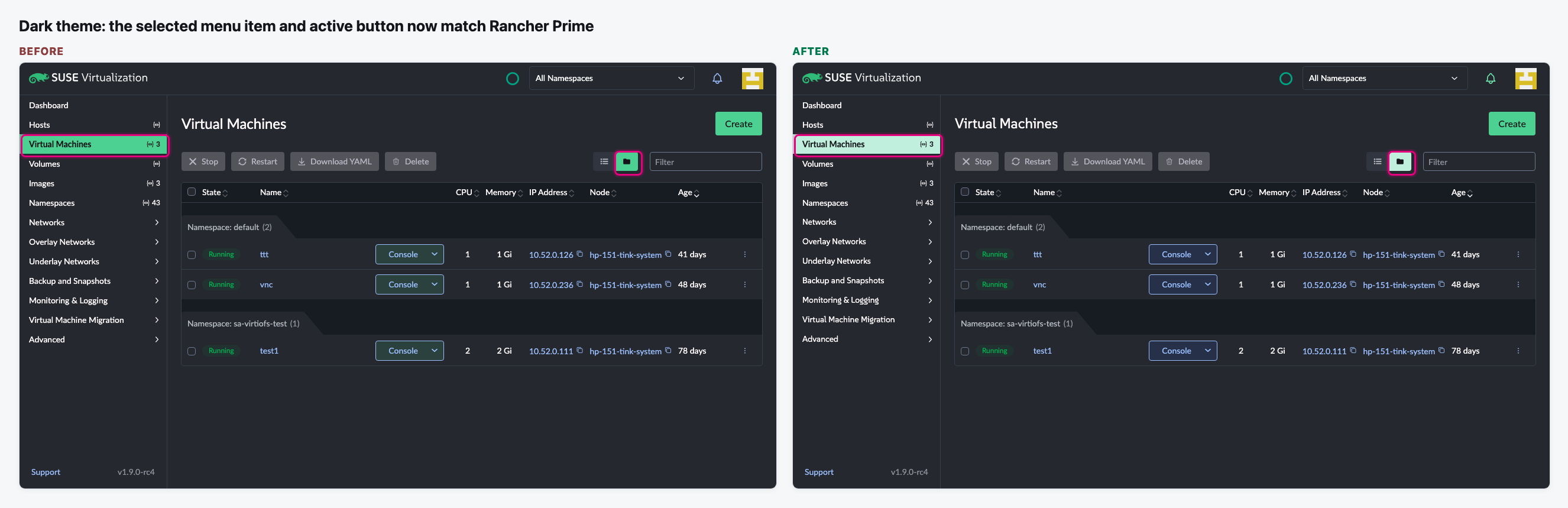
The SUSE colours, dark theme
In dark mode the main green was already right. The selected item and the active toggle now match Rancher Prime.
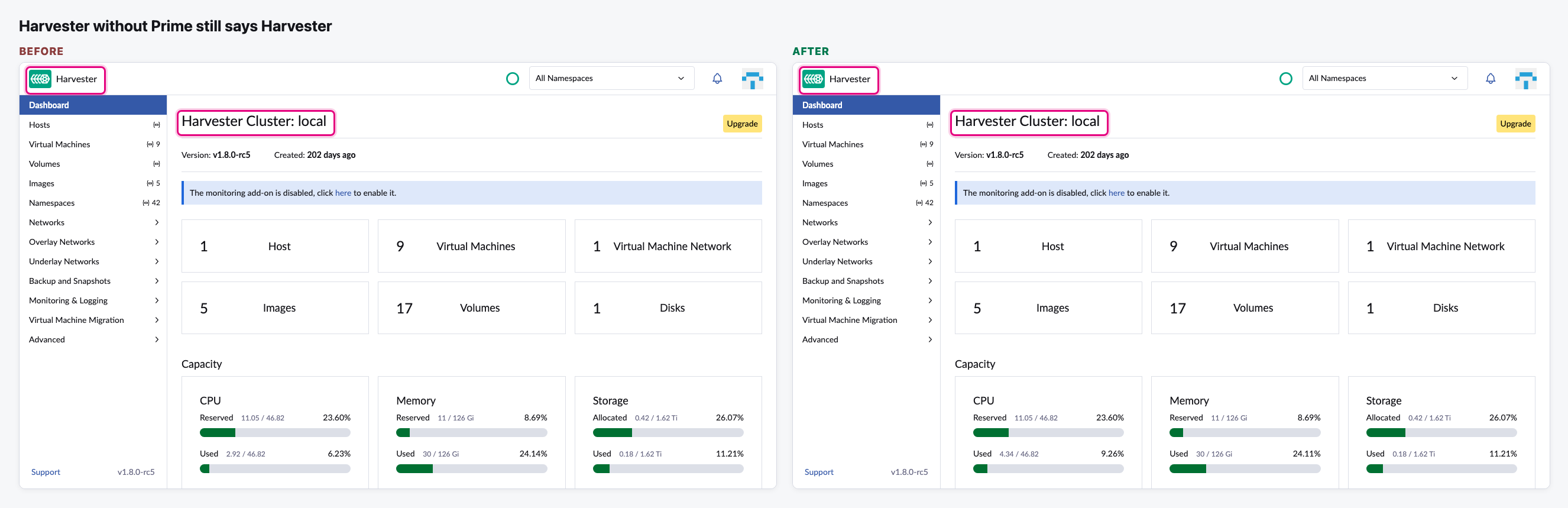
Harvester without Prime is unchanged
On our non-Prime test Harvester, the logo, title and colours stay as they were.
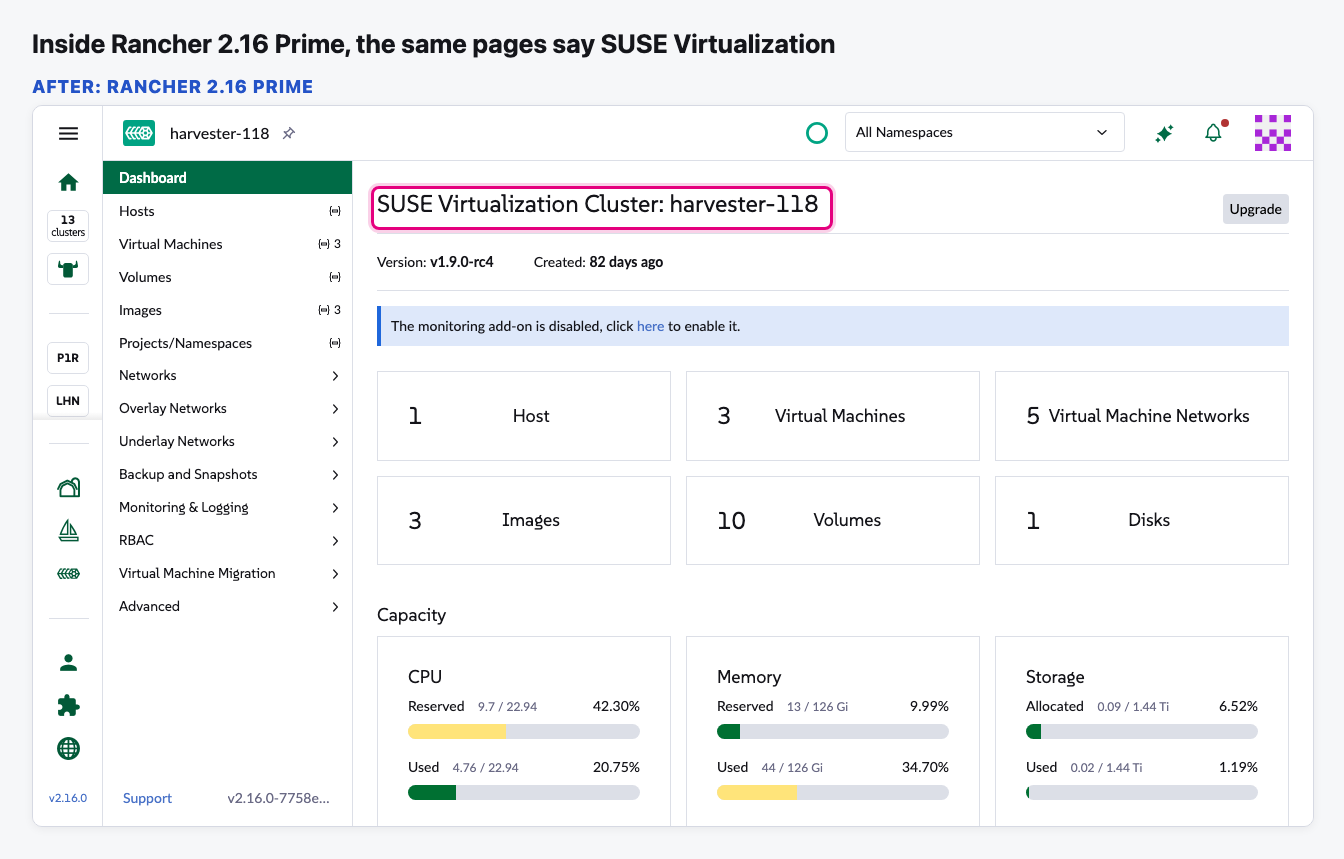
Inside Rancher 2.16 Prime
Opening the same Prime cluster from Rancher 2.16 Prime shows SUSE Virtualization too.
Video (optional)
Notes
- The login page still says "Welcome to Harvester" on Prime: the UI only learns it is Prime after login. It would need the server to tell it earlier.
- Still open (issue 66): the Support and docs links still point to the Harvester sites (we are waiting for the SUSE links), and the cluster icon in Rancher is still the Harvester one.
- Inside Rancher, the name follows Rancher Prime. A Rancher 2.16 server that runs an older Rancher UI on purpose would show the raw placeholder instead of the name. We accepted this, as it is a rare setup.